 Written by
Plenty of players in Germany now choose to access live blackjack and jackpot games on a phone as opposed to sitting at a desk. The Live Blackjack Casino mobile app places dealer-led tables, quick game access, and a set of jackpot titles into a portable layout. German players typically look for an app that performs well across different devices and connection types. This guide explains downloading and installing the app, outlines supported devices, and describes what to expect from the live blackjack tables and jackpot features. It also addresses practical steps for managing the app after installation. New and experienced players in Germany can rely on the guide to get started with confidence. The app is built to be intuitive, but a clear overview can avoid confusion during the first download.
On-the-go Live Dealer Gaming for the Germany’s Market
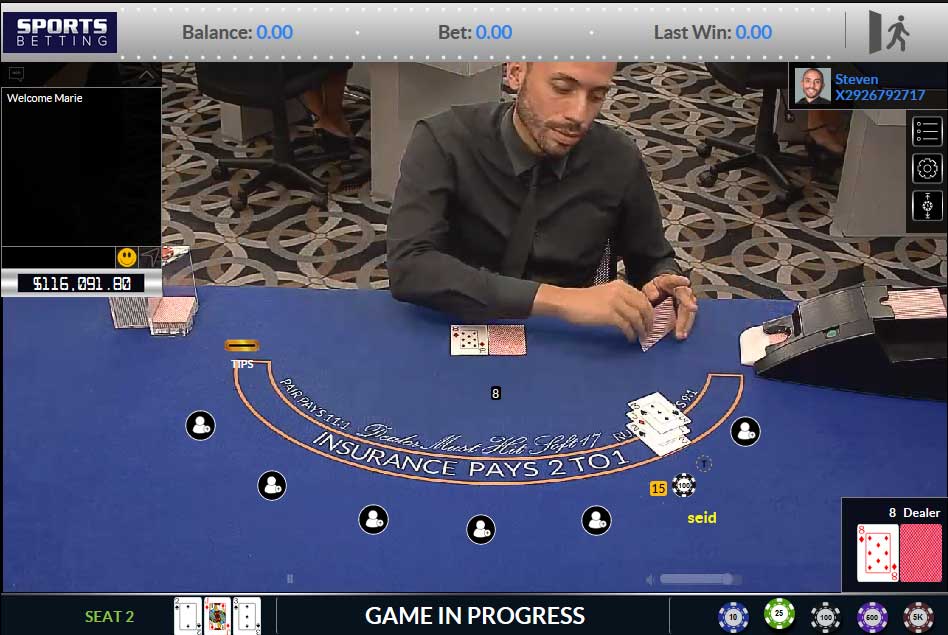
The live dealer format has changed the way many people in Germany view mobile casino entertainment. Instead of relying on animated results, live blackjack broadcasts a real dealer to the player’s screen from a professional studio. The environment features a real table, cards, and the sounds of play, which generates a more involving session than standard digital blackjack. For German users, the Live Blackjack Casino app is engineered to work efficiently on mobile networks, including typical home Wi-Fi and 4G or 5G connections. The interface puts the betting options and game controls within easy reach on smaller screens. Players can watch the dealer’s actions, adjust their stakes, and make decisions with a few taps. The mobile app also includes jackpot games, which offer the chance of larger prizes alongside regular blackjack rounds. This combination draws players who want classic strategy and a potential extra reward in one session.
Device Compatibility and System Requirements
Supported Device Groups
Minimum Requirements for Android and iOS
Most Android devices operating on Android 8.0 or newer versions can operate the Live Blackjack Casino app without issues, while iPhone and iPad users should have iOS 13 or newer versions set up. A screen size of a minimum of five inches is recommended for comfortable blackjack play, although larger phones and tablets provide a clearer view of the dealer and table. The app works best with 3 GB of RAM or higher, and approximately 200 MB of free storage should be available for the first installation. Live streams use adaptive video quality, so the app adjusts resolution according to connection speed. German players with devices from Samsung, Xiaomi, Google, and Apple report stable performance. Shutting down unused apps before launching a live blackjack session can help keep video smooth and controls responsive. A stable connection of at least 5 Mbps is generally enough for high-definition streams, and switching to Wi-Fi can reduce mobile data use.
Discovering Live Blackjack and Jackpot Games
The main lobby is arranged so live blackjack tables and jackpot titles are straightforward to find from the home screen. Live blackjack tables usually offer different betting limits, which helps players in Germany pick a level that matches their bankroll. The dealer appears through a video stream, and players utilize buttons to hit, stand, split, or double down under standard blackjack rules. Jackpot games include a side bet option that contributes to a growing prize pool. This side bet does not substitute for the main blackjack hand but can pay out when certain card combinations occur. The app displays the current jackpot amount clearly, so players are aware of what is at stake before placing a side bet. Live dealer action plus jackpot potential generates a different kind of mobile gaming experience. German players should check the game rules before playing because jackpot side bets can have different payout structures.
Obtaining the Live Blackjack Casino App for Android within Germany
Android users in Germany t-online.de can get the Live Blackjack Casino app through the official website instead of relying on third-party stores. The process starts by visiting the mobile app page and choosing the Android download option. The device may present a security prompt since the file is installed outside the Google Play Store. Users should confirm that downloads from the browser are allowed in the settings. Once the APK file has been downloaded, it can be accessed from the notification bar or the downloads folder. The installation screen will prompt for permission to install unknown apps, which must be activated for the browser or file manager being used. After the permission is granted, the app installs quickly and shows up on the home screen. German players should always utilize the official download link to steer clear of modified files. Keeping the device updated and having enough free storage space also assists the installation complete without interruption.
Transactions, Security, and Controlled Play in Germany
Account management through the mobile app includes funding and cashout methods that are typical for players in Germany. The app uses encryption to safeguard personal and payment details, and players are urged to verify their identity according to platform requirements. Before playing live blackjack with real money, determine a budget and prevent chasing losses. entdecken Sie mehr The app may offer tools for deposit limits, session reminders, and self-exclusion, based on current player protection features. These tools are particularly useful for mobile users because a smartphone allows play at almost any time. German players should view the app as entertainment rather than a way to earn income. Jackpot side bets can be appealing, but they carry the same house edge considerations as other casino wagers. Reading payment terms and checking processing times can help avoid misunderstandings. Responsible play continues to be the best way to appreciate live blackjack and jackpot games over the long term.
Downloading the App on iPhone and iPad in Germany

For iPhone and iPad owners in Germany, setup follows the standard App Store route. Launch the App Store, look for Live Blackjack Casino app android, and check that the developer name matches the official brand before installing. The app operates with current iOS versions and adjusts to multiple screen sizes, such as larger iPad displays. After you press the download icon, the app loads without manual steps and shows up on the home screen. No extra permissions are typically required, although the app may prompt for notifications and local network access. Those options can be modified later in device preferences. As the App Store handles installation, updates are delivered through the same channel, which aids to keep the app reliable and safe. German players should leave automatic updates turned on or check on their own to obtain enhancements and new jackpot game releases. A reliable internet connection is advised for live dealer streams, especially when playing blackjack with superior video.
Resolving Frequent Installation Problems
When an install or update does not complete, gamers in Germany can generally resolve the issue with a few straightforward steps. On Android, the most frequent issue is the unknown apps permission not being turned on for the web browser or file manager. Clearing the browser cache and attempting the download again can also assist if the file appears damaged. On iOS, a failed download often connects to insufficient storage or a paused App Store operation. Reviewing available storage and resetting the device can resolve many of these situations. If the app opens but live blackjack broadcasts are slow, switching from mobile data to Wi-Fi or coming closer to the router may improve stability. Terminating other apps and rebooting the phone can clear memory. If a login issue happens, renewing the password through the official site is suggested. German users should get in touch with customer support when the issue remains, rather than downloading the app from unofficial locations.